$2.50
Download NowSold by rapidscc on Tradebit
The world's largest download marketplace
3,306,648 satisfied buyers
The world's largest download marketplace
3,306,648 satisfied buyers

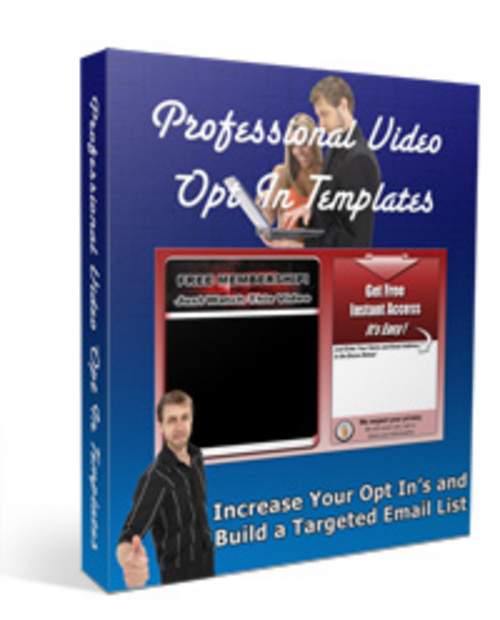
*HOT!* Pro Video Optin Templates Master Resell Rights
All of Our Product Package Comes with either MRR or PLR Rights
How to edit the Video Optin Templates
I made these Video Optin Templates easy to edit. Ive provided you with the raw .psd files
so you can edit them and change anything you want using Photoshop or Photoshop Elements. Should work
with Gimp too.
For the autoresponder code,
First, if you use aweber :
1. Open up the html code in notepad or another text editor.
2. Locate the Aweber form code.
3. Change the meta values to those of your Aweber code.
4. Next, youll see
Here, youll need to change the name fields to those your autoresponder uses. If youre
using Aweber, you shouldnt have to change anything here.
5. Locate the Submit button value.
Change the value text to whatever text you want,
but dont make it too long, or youll break the graphic!
6. Thats it.
Second, if you use another service :
1. Replace the form code with your autoresponder code.
2. Replace the other fields following steps 4 and 5 above.
For the video code, just replace the text code that I have there with your video code. You can load a video
up to a 390x290 video size.
File Data
This file is sold by rapidscc, an independent seller on Tradebit.
| File Size | 4 megabytes |
| File Type | ZIP |